





WordPress to Webflow Migration

WordPress to Webflow Migration: Faster site. Easier to edit. SEO/AEO Ready.

From 20-page sites to 1,000+ page enterprise builds, we move your full WordPress site to Webflow without losing a ranking or breaking a link.

  • Performance: 99 out of 100
  • Accessibility: 97 out of 100
  • Best Practices: 98 out of 100
  • SEO: 100 out of 100
  • Agentic Browsing: 2 of 2 checks passed
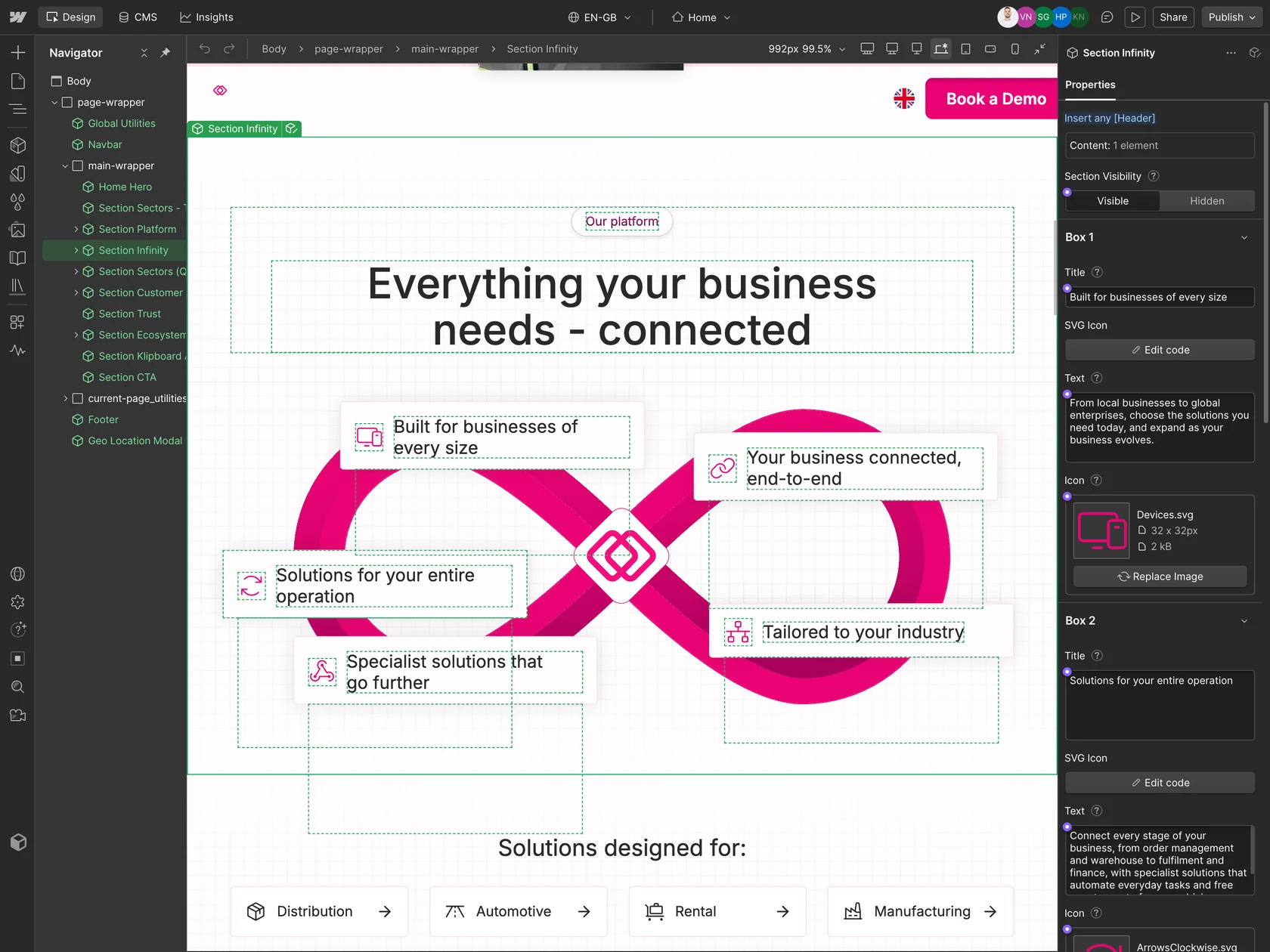
The Klipboard site open in the Webflow Designer, with its Section Infinity component selected and the properties panel open

Why most companies leave WordPress for Webflow

Most companies don't migrate from WordPress because Webflow is "trendier." They migrate because WordPress quietly costs them more every month than they realize, and the breaking point is usually the same: marketing slows down, SEO suffers, and every small change requires a developer.

Team speed

Your team waits on developers

Every WordPress change (new pages, campaign tweaks, template updates) starts as a developer ticket. Your marketing team can't move at their own pace when each task waits in an engineering queue.

Website changes waiting in a WordPress developer queue for days, then the same changes published by the marketing team in the Webflow Editor
Site speed

Your site is slow

Three reasons: heavy plugins that load on every page, themes built without speed in mind, and shared hosting that can't keep up under traffic. Slow sites lose visitors, hurt sales, and drop in Google ranks.

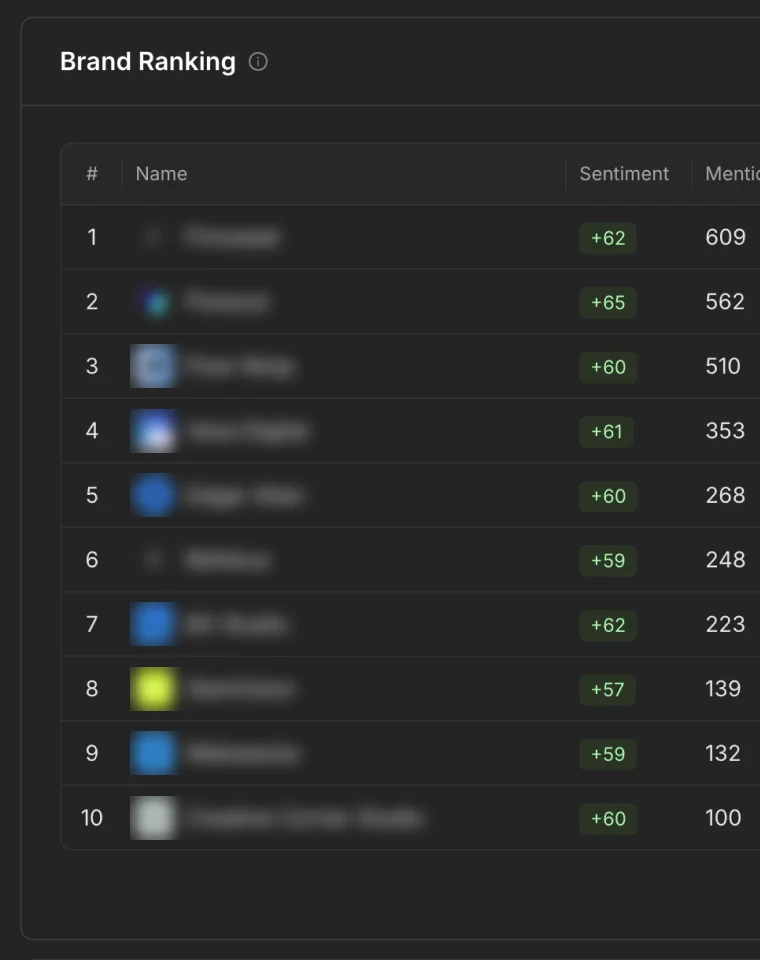
An AI assistant answering 'What are the best B2B analytics platforms?' cites only competitors while the site is on WordPress, then cites your brand after the move to Webflow, as Google and AI Overviews pick it up too
Google Search and AI

Your website doesn't show up in Google or AI searches

Old WordPress sites lose ground every year. Plugin SEO breaks. Pages aren't built for ChatGPT, Perplexity, or Google AI to find and quote you. Your competitors keep showing up while your brand fades.

Site upkeep

Plugins and updates eat your time

WordPress sites need constant care. Plugin updates, theme updates, and core updates each carry the risk of breaking something that worked yesterday. The maintenance adds up to hours every month.

WordPress core, theme and plugin updates ending in a critical error, then Webflow, where hosting, security and maintenance are handled for you
Hidden cost

WordPress isn't really free

Hosting, premium plugins, themes, security tools, backups, and developer hours add up to $300-$500 per month for most business sites. The "free" platform costs more than most paid alternatives once you count it all.

Our work

Real WordPress to Webflow Migrations from our work

Juma
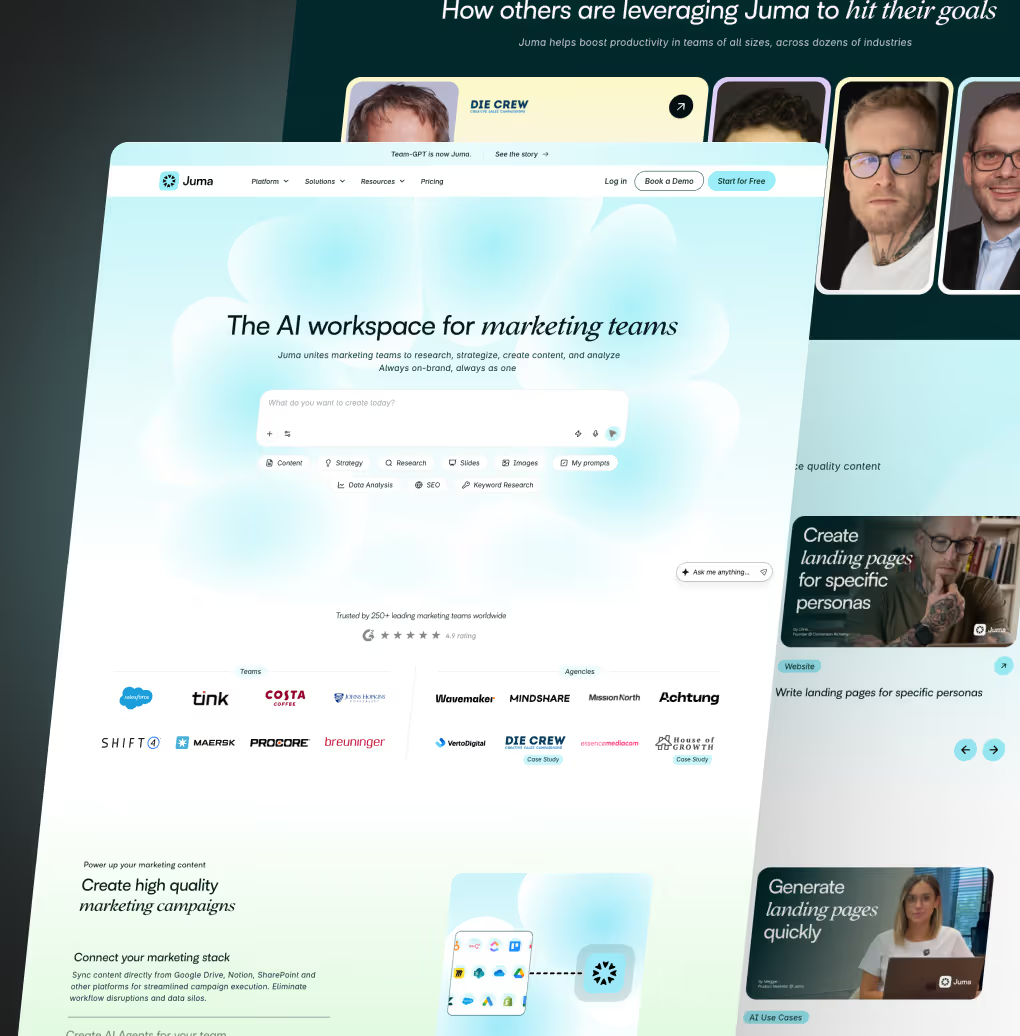
Juma website
SaaSAI

Juma is a collaborative AI platform that helps mid-sized marketing teams scale by producing high-quality, on-brand content using their company's unique knowledge and data. We migrated 210+ pages from WordPress to Webflow in 40 days with zero SEO loss. The site includes 30+ reusable components, enabling the team to launch new pages and campaigns without developer support.

216+

Pages Migrated to Webflow

40

Days for Delivery

Read the Juma case study
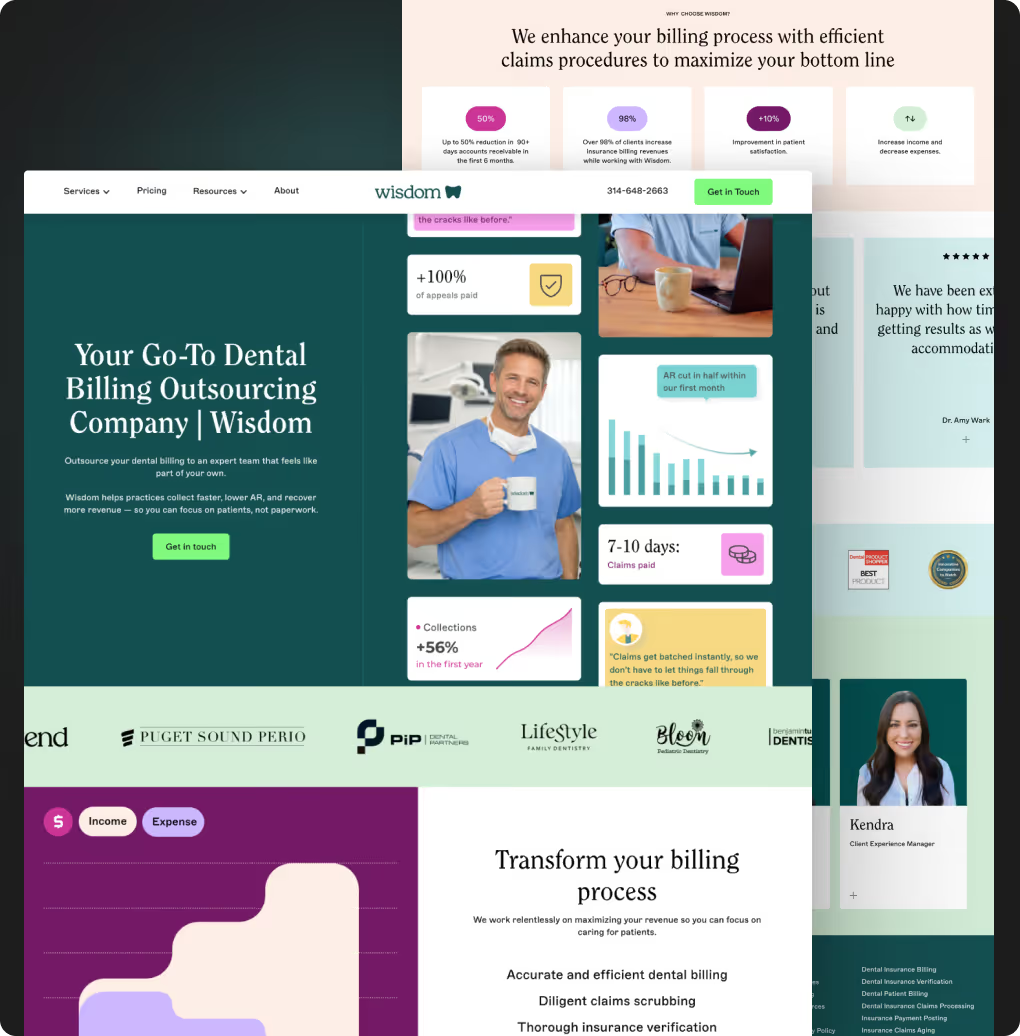
Wisdom
Wisdom website
HealthcareSaaS

Wisdom is a Juxtapose-incubated dental billing platform that grew from seed-stage to a $28M-funded company.

We built their original Webflow site in 2024 and have supported them since through a continuous retainer covering design, development, and ongoing feature work.

2+

Years of Partnership

$28M

Series A funded

Read the Wisdom case study
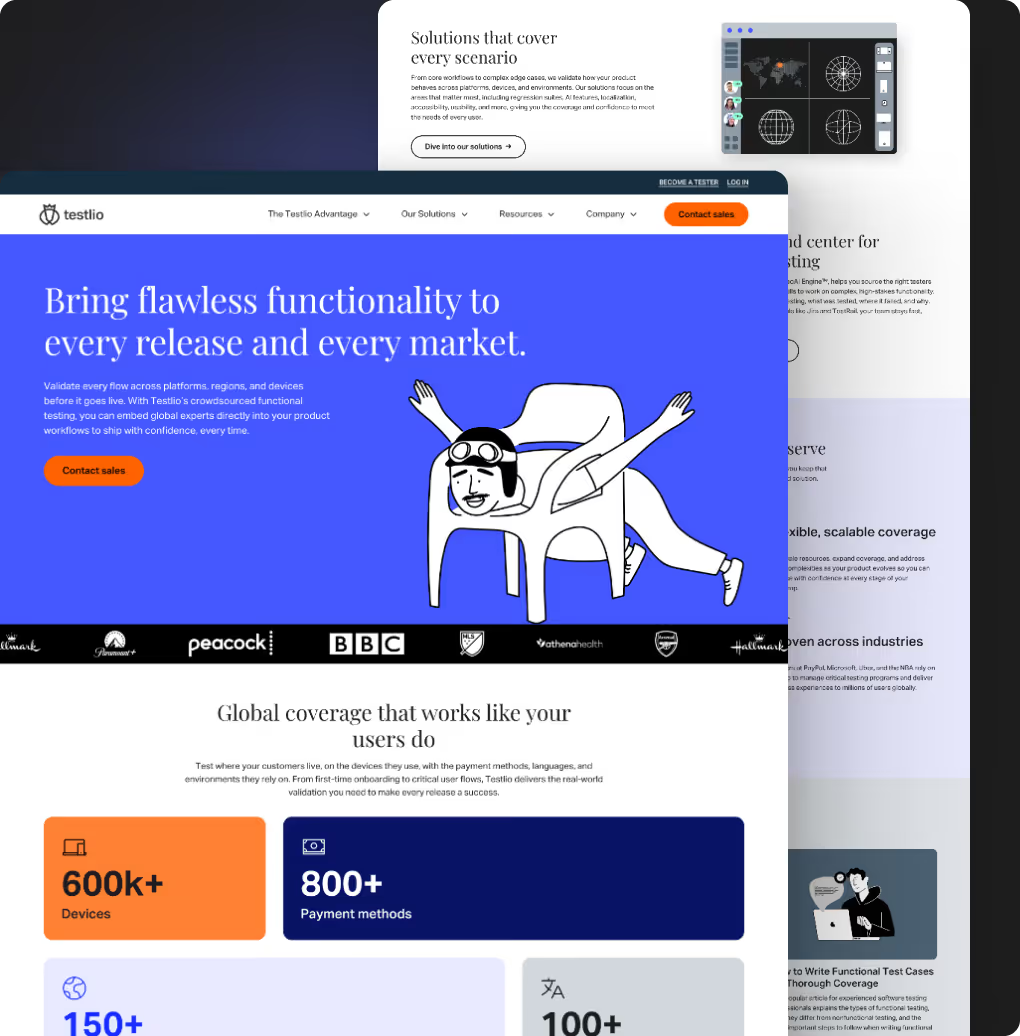
Testlio
Testlio website
TechnologySaaS

Testlio is a global software testing platform we migrated from WordPress to Webflow Enterprise in a 14-week rebuild. We consolidated hundreds of legacy pages into a scalable template system powering 823 live pages, enabling their marketing team to publish independently while preserving ~200,000 monthly visits and full SEO performance.

12

Week Webflow Migration

823+

Pages Developed

Read the Testlio case study
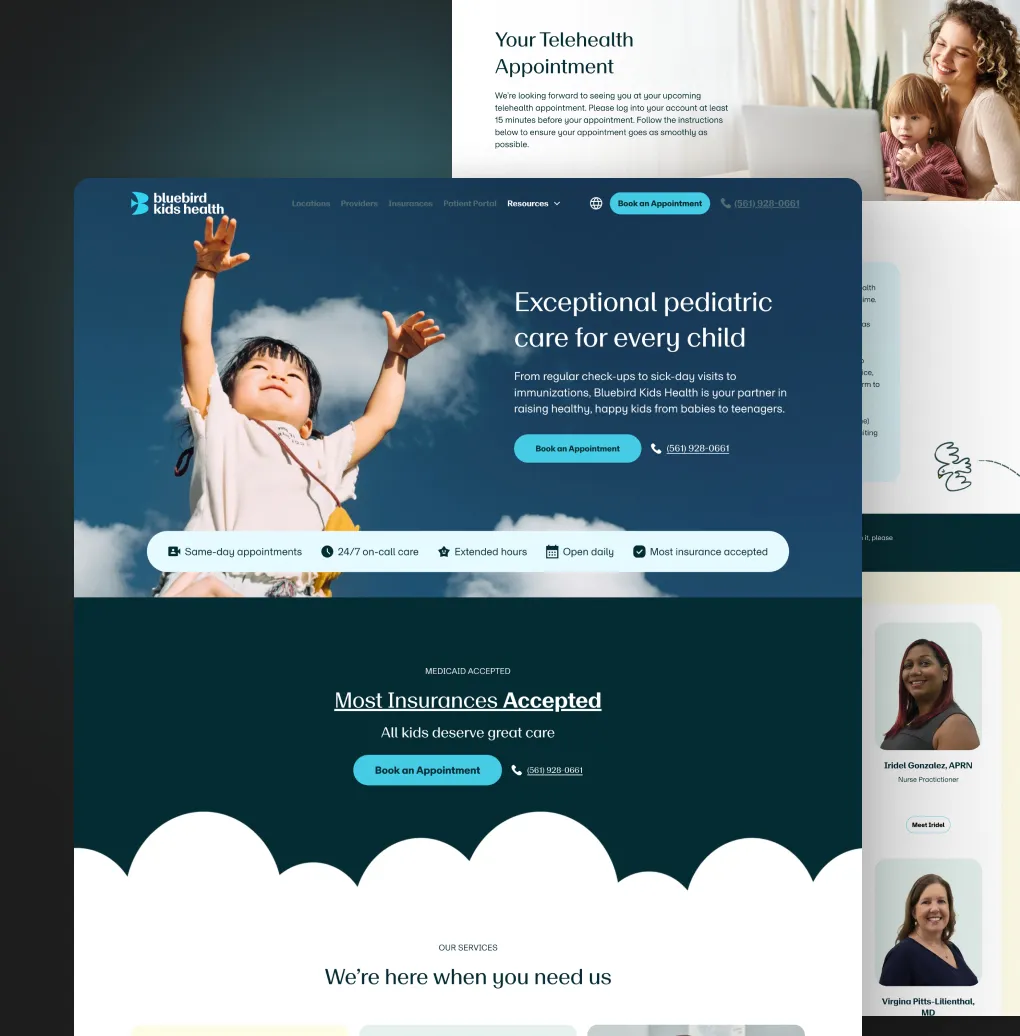
Bluebird Kids Health
Bluebird Kids Health website
Healthcare

Bluebird Kids is a fast-growing pediatric clinic network that trusted us to design and develop their new website in Webflow. After launch, our collaboration continued through a subscription model, and we've now worked together for almost two years. During this time, we've expanded the website with two new languages, supported the opening of five new clinic locations, launched more than 20 landing pages for their marketing campaigns, and integrated HR software directly into their site.

2+

Years of Partnership

20+

Landing Pages Launched

Read the Bluebird Kids Health case study

Trusted by 350+ B2B Companies.
From Startups to Global Industry Leaders

SaaS
meteoblue — A Windy.com CompanyJumaTytleGymdeskEvolve
Healthcare
Bluebird Kids HealthHaelanDental AcademyWisdomAperture
Consulting/Technology
JourneyAIFirmeuLimeChainFCS Capital MarketsCustomertimes

What's included in your WordPress to Webflow migration

A migration is more than copy-pasting content. Here's what every migration includes by default.

Full content audit

We map every page, post, media file, and form before we touch Webflow

SEO preservation

Every URL with traffic, backlinks, or conversions gets preserved or properly redirected


Custom Webflow design system

Brand colors, typography, spacing, and reusable components built from scratch - not a template

Reusable component library

25-50 components your marketing team can drop into new pages without a developer

CMS architecture rebuild

Native Webflow CMS collections that match your content model, not a forced WordPress copy

Blog migration

Posts, categories, tags, authors, and media - all migrated with URL structure intact

Performance baseline

Core Web Vitals before and after, with measurable improvement guaranteed

Team training

Video training plus a live walkthrough so your team owns the site at handover

We won't pretend WordPress has no advantages.

Here's the comparison most "WordPress to Webflow" guides skip

FeatureWebflowWordPress
HostingIncludedSeparate ($10-$50/mo)
Plugins required0-3 typical20-50 typical
Page editing without a developerNative, visual, on-pageLimited (page builders are fragile)
Performance out of the boxGlobally CDN-hosted, fast by defaultDepends on hosting + plugins
SEO out of the boxNative SEO controls per pageRequires Yoast or similar plugin
SecurityWebflow handles itYour responsibility (updates, plugins, malware)
MaintenanceNone on your sidePlugin + theme + WP core updates monthly
Designer freedomFull visual freedomConstrained by theme
Marketing team autonomyHigh (visual editor + components)Low (developer dependency)
Initial costSubscription from $14/moCheap ($0 for WP itself)
Total cost over 3 years$1K-$5K (Webflow plans + occasional support)$7K-$30K (hosting + plugins + dev time)
Best forMarketing sites, B2B, SaaS, content-driven sitesSites that need 5,000+ plugins or a unique custom backend
Delivering speed & scale with proven track record

The team behind WordPress to Webflow migrations

Creative Corner team memberCreative Corner team memberCreative Corner team memberCreative Corner team memberCreative Corner team memberCreative Corner team memberCreative Corner team member

50+

Webflow Developers in Creative Corner Studio team

Creative Corner team memberCreative Corner team memberCreative Corner team memberCreative Corner team memberCreative Corner team memberCreative Corner team memberCreative Corner team member

50+

Designers in Creative Corner Studio team

Creative Corner team memberCreative Corner team memberCreative Corner team memberCreative Corner team memberCreative Corner team memberCreative Corner team memberCreative Corner team member

50+

Webflow Developers in Creative Corner Studio team

Creative Corner team memberCreative Corner team memberCreative Corner team memberCreative Corner team memberCreative Corner team memberCreative Corner team memberCreative Corner team member

50+

Designers in Creative Corner Studio team

Delivering speed & scale with proven track record

350+ Webflow Projects Delivered Since 2019

6 years in the business, and most of our clients still come from referrals, which can mean only one thing - we're good. Many do more than one project with us, and some of the very first clients from 2019 are still with us today.

B2B expertise

One thing, done well

We work only with B2B companies in Tech, SaaS, Healthcare, Consulting, and Fintech. Our portfolio, expertise, and process are designed specifically for your market.

From Start to Launch

Full-service expertise

From design and development to SEO, CRO, and copywriting, we handle every step of your web design journey so you don't have to worry about a thing.

Get Onboard in 3 Days

Speed at scale

Align, plan, and get moving fast. We onboard quickly so your project starts with clarity, not chaos. No more waiting a month to kick off your project.

Backed by Data

2026 in Numbers

  • 12,178 hours logged
  • 58 projects finished
  • 20-25 days for full website
  • 8 countries served
  • 3× awards won
100% In-House Webflow Team

50+ team members

Consistent quality at every stage. You get direct access to your web design team and collaborate with your designer just like an internal teammate using your existing tools. No more "I'll check with the team" or messages lost in translation. Just clear, direct communication from start to finish.

Our process

Our 7-step WordPress to Webflow migration process

Every migration runs the same seven steps, from a full content audit in week 1 to ranking monitoring and team training in weeks 8 to 9.

  • 1Week 1

    Discovery + content audit

    • Crawl your full WordPress site
    • Inventory every page, post, media file, form, and integration
    • Pull Google Analytics + Search Console data to identify pages with traffic, backlinks, and conversions
    • Decide what to preserve, merge, or retire
    • Audit your existing plugins and identify replacements
  • 2Week 2

    Webflow architecture + design system

    • Define the new CMS structure (collections, fields, references)
    • Build the design system in Figma: colors, typography, spacing, components
    • Plan the component library so your marketing team can ship new pages without a developer
  • 3Weeks 3-5

    Page templates + Webflow build

    • Build all unique page designs in Webflow Designer
    • Build CMS templates (blog post, case study, product, etc.)
    • Build reusable components (heroes, cards, CTAs, forms, footer, nav)
  • 4Weeks 5-6

    Content migration

    • CSV export from WordPress, transformed and imported into Webflow CMS
    • Media assets migrated to Webflow's asset manager with alt tags preserved
    • All custom fields mapped to Webflow CMS fields
  • 5Weeks 6-7

    SEO + redirects

    • Build the full 301 redirect map
    • Migrate metadata: titles, descriptions, OG tags, canonical tags
    • Schema markup rollout: Organization, Service, FAQ, Article, BreadcrumbList
    • llms.txt file added for AI search visibility
  • 6Weeks 7-8

    QA, staging, and launch

    • Full cross-browser test (Chrome, Firefox, Safari, Edge)
    • Mobile and tablet QA
    • Form testing with real submissions
    • Performance audit (Core Web Vitals)
    • Final stakeholder review on staging
  • 7Weeks 8-9

    Post-launch monitoring + training

    • 30-day ranking monitoring with weekly reports
    • Bug-fix support included
    • Video training for your team on the new Webflow CMS
    • Live walkthrough call with your marketing team
Month 1
Month 2
Month 3
W1
W2
W3
W4
W5
W6
W7
W8
W9
Milestones
1Kickoff2Webflow build starts3Launch
Discovery + content audit
Crawl & inventory
Data & plugin audit
Architecture + design system
CMS structure
Design system
Templates + Webflow build
Unique pages in Webflow
CMS templates & reusable components
Content migration
CSV import to Webflow CMS
Media, alt tags & custom fields
SEO + redirects
301 redirects & metadata
Schema & llms.txt
QA, staging & launch
Browser, mobile & form QA
Core Web Vitals & staging review
Monitoring + training
30-day ranking monitoring
Training & walkthrough

Milestones: Kickoff, week 1 · Webflow build starts, week 3 · Launch, week 8.

Real clients, real results

What B2B Teams Say About Working With Us

Reviewed on Clutch, 23 reviews
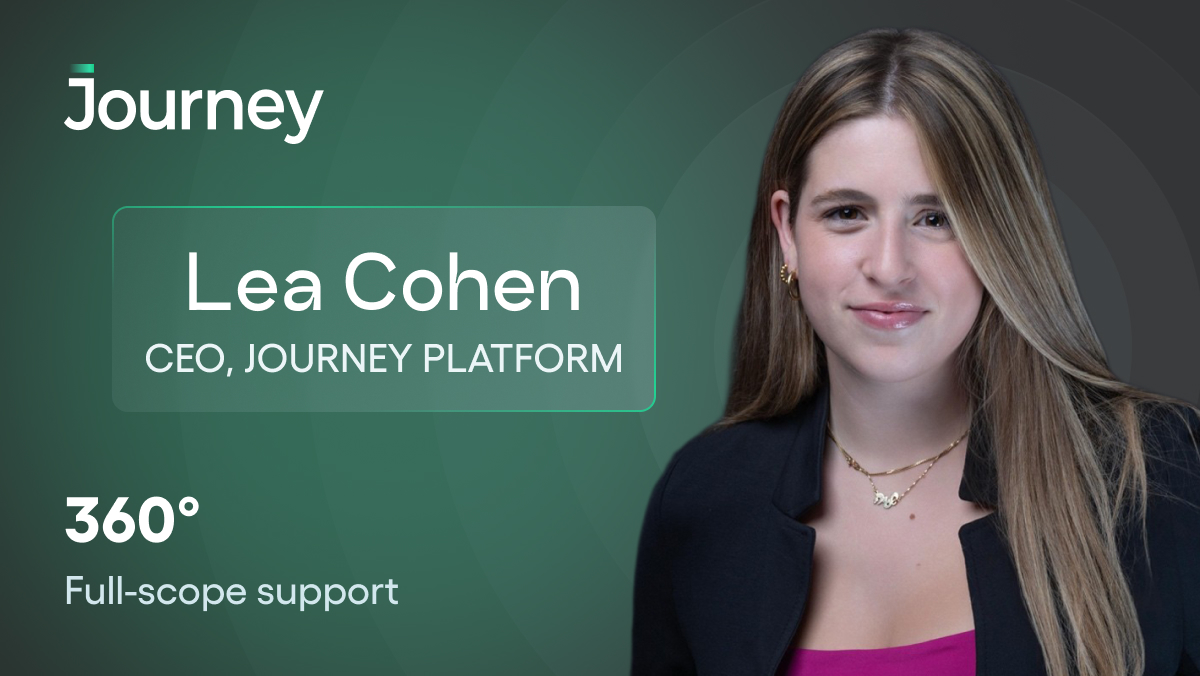
Video testimonial from Lea Cohen
Video testimonial from Ardon Wesly
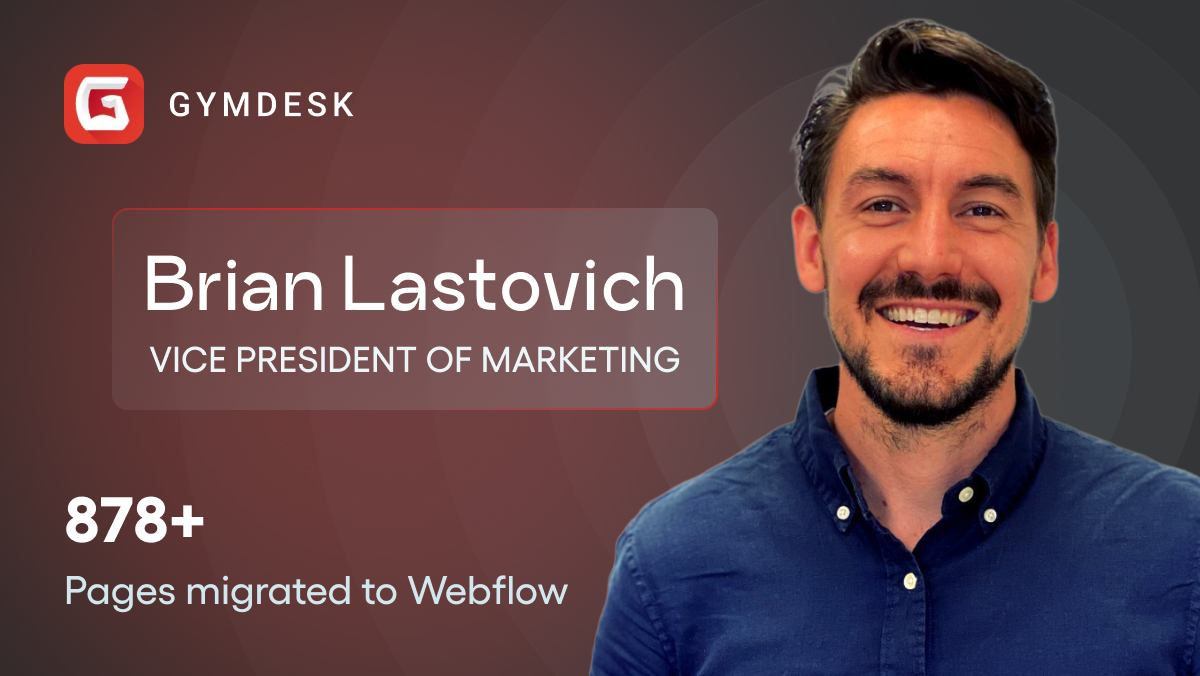
Video testimonial from Brian Lastovich
Video testimonial from Rachel Wilson
"Thanks to Creative Corner's efforts, the website was delivered on time. The team provided a well-detailed document of the project. Overall, they were responsive and prompt."

Viliana Petrova

Marketing Manager, SEPA Cyber Technologies

"You have been with us from the very beginning of our journey at Bluebird Kids Health and we can't be more grateful for all that you have done for and with us along the way! Wow - from the very first mockups of our initial website to the robust, beautiful and effective site that this team has built since - its been quite the adventure."

Rachel Wilson

Co-founder, Bluebird Kids Health

"We're already generating leads from it, which is what a website is supposed to do. The Creative Corner team was fantastic on the project management side too, on top of everything, with excellent guidance on what we needed and why, plus great creative ideas. I'm very happy."

Nolan Cockburn

Founder, SmartrBID

"Just wanted to thank you for your support and great work with the dashboards today. The meeting went great and ***** really liked it. Now we just have to nail the rest of the data and which tools to use. But we know it will be great. 🙏👍"

Martin Chevalley

Chief Executive Officer – InnSpire

"This looks AWESOME!! And that's so cool you hooked it up to the job board's API Let me review with the team and get back to you! Thank you guys!!"

Brigid Hynes

Retention Manager, Trashie & For Days

"Migrating complex systems is always a high-stress project, but working with this team gave me a level of security I didn’t expect. I felt completely confident that our data was in safe hands, and their attention to detail ensured that everything was handled securely and professionally."

Brian Lastovich

VP of Marketing @ Gymdesk

"First of all, congratulations on this really beautiful new website! It is already very appealing."

Bernhard Schulz

Owner

"Creative Corner has delivered a thorough marketing strategy and detailed UX design, which the client could implement easily. The site is much more user-friendly, which has led to increased traffic and sales. They've been communicative, timely partners, maintaining contact via phone and email."

Aleks Arnaudov

Camino Contractors Ltd

Miroslav Ivanov, Founder of Creative Corner Studio

Meet Miroslav, Founder of Creative Corner Studio. He's led 350+ Webflow projects since 2019 and personally reviews every new project before kickoff.

Still have questions? Book a free call with him.

Schedule a free call

Still have questions? Find answers here.

Start with a content audit. Identify every URL with traffic, backlinks, or conversions in Google Search Console. Preserve those URLs in Webflow when possible, or build one-to-one 301 redirects when not. Migrate all metadata (titles, descriptions, schema) into Webflow's native SEO panel. Submit a fresh sitemap to Search Console after launch and monitor rankings daily for 30 days. Done correctly, ranking impact is zero.

Standard sites under 30 pages: 4-6 weeks. Mid-size sites (30-100 pages): 6-10 weeks. Enterprise sites with 100+ pages and complex CMS: 10-16 weeks. Juma's 216-page migration with a full rebrand shipped in 40 business days. Timeline is more dependent on content readiness and stakeholder feedback cycles than on Webflow build speed itself.

Creative Corner Studio pricing ranges from $8,000 for a 30-page site to $60,000+ for an enterprise migration with multi-language and complex CMS. The single biggest cost driver is page count and CMS complexity, not design fidelity. We give fixed quotes after a discovery call so there are no surprises mid-project.

Yes, in most cases. We preserve URL structure by default unless you specifically want to clean up taxonomy or consolidate pages. When URLs do change, we build a one-to-one 301 redirect map so external links and rankings transfer cleanly. We've migrated sites with 1,200+ URLs without breaking a single inbound link.

Anything from a 10-page site to a 1,000+ page site. Juma was 216 pages. Energo-Pro was 1,262 news articles plus 1,670 unique pages bilingual. The migration approach scales linearly: same audit, same redirect map, same QA, just more time. We've never turned down a migration on size.

In most cases, yes. A typical WordPress site runs 20-50 plugins, while a Webflow site needs 0-3, and Webflow hosts every site on a global CDN, so it is fast by default. Every migration includes a performance baseline: we measure Core Web Vitals before and after the move, with a measurable improvement guaranteed.

Yes. We build 25-50 reusable components your team can drop into new pages, and set up Webflow CMS collections that match your content model, so editing is native, visual, and on the page. At handover your team gets video training plus a live walkthrough, so they own the site from day one.

Start Your WordPress to Webflow Migration the Right Way

Don't know where to begin? We'll build you a free roadmap with everything you need: technical requirements, a realistic timeline, and fixed pricing so you can move forward with full clarity.

Book a free intro call